
LafaekStreet Admin Panel
A local-only super-admin interface for managing the entire LafaekStreet platform — users, agencies, reports, system configuration, database tools, and operational oversight.
Overview
| Detail | Value |
|---|---|
| Tech Stack | Next.js 15 + TypeScript + Tailwind CSS + Prisma |
| Port | 3002 |
| Database | Shared PostgreSQL (Aiven) |
| Auth | Email + Password + Optional TOTP 2FA |
| Login Table | users (where role = 'admin') |
| Theme | Dark mode (slate-based, blue accent) |
| Deployment | Local only (localhost:3002) |
Features
Authentication
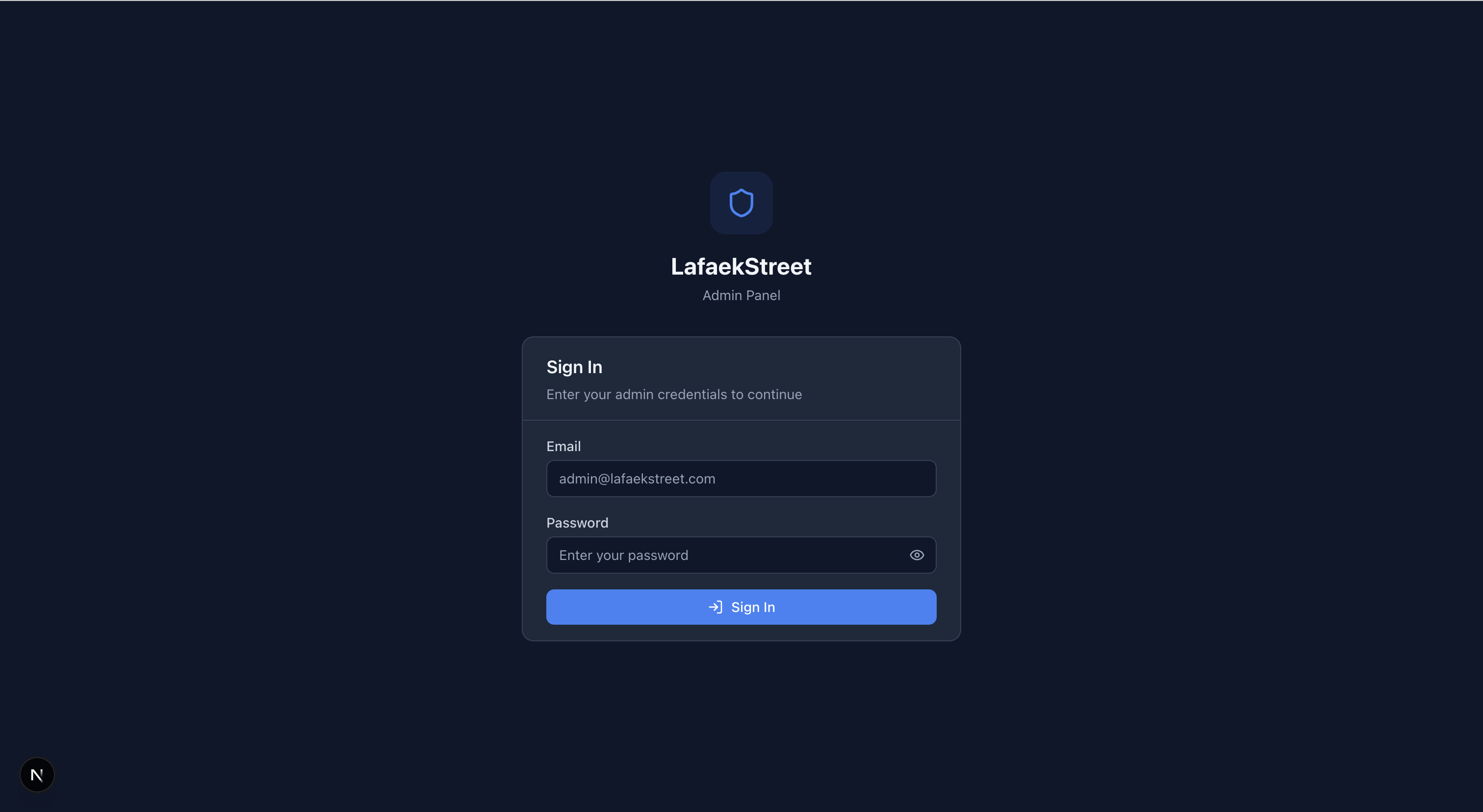
- Login via
userstable (admin role only) - Optional TOTP 2FA with authenticator app (speakeasy + QR code)
- JWT session cookie (
admin_session, 24h expiry) - First-time setup page to create initial admin account
Dashboard
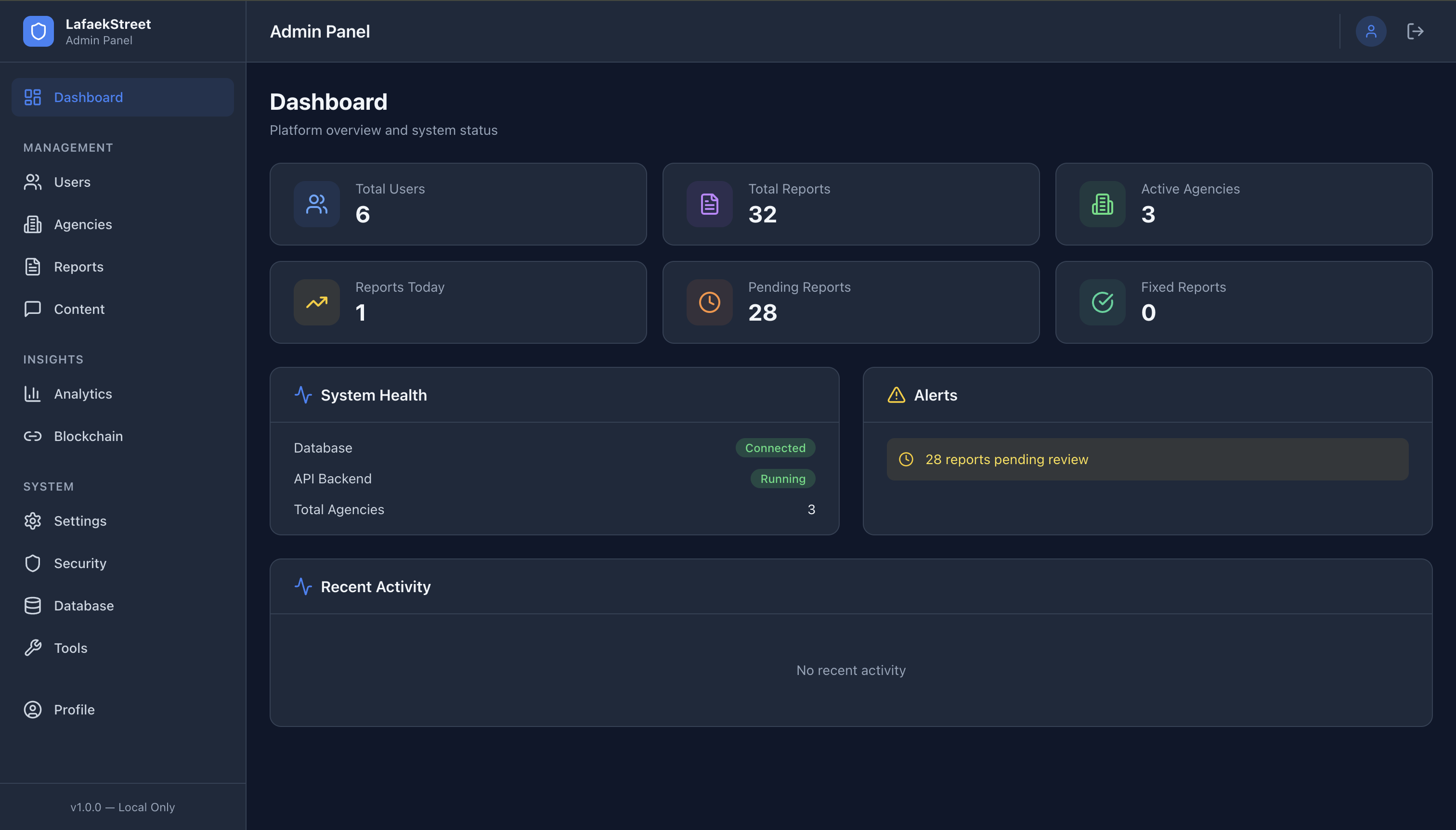
- System health (database connection status)
- Platform stats (users, reports, agencies, reports today)
- Recent activity feed from
activity_logs - Alerts (pending reports, failed attempts)
User Management

- View all users with tabs (All, Citizens, Admins, Officials)
- Search, filter by role, paginate
- Create new admin users
- Edit user details, activate/deactivate, soft delete
Agency Management

- Agency list with performance metrics
- Create, edit, activate/deactivate agencies
- View assigned reports per agency
Report Moderation

- All reports with status/severity/search filters
- Report detail with images, AI analysis, comments, status history
- Moderation actions: change status, reassign agency, delete
Content Moderation
- Comment moderation (flag/unflag, delete)
- Image moderation (view uploaded images by report)
Analytics
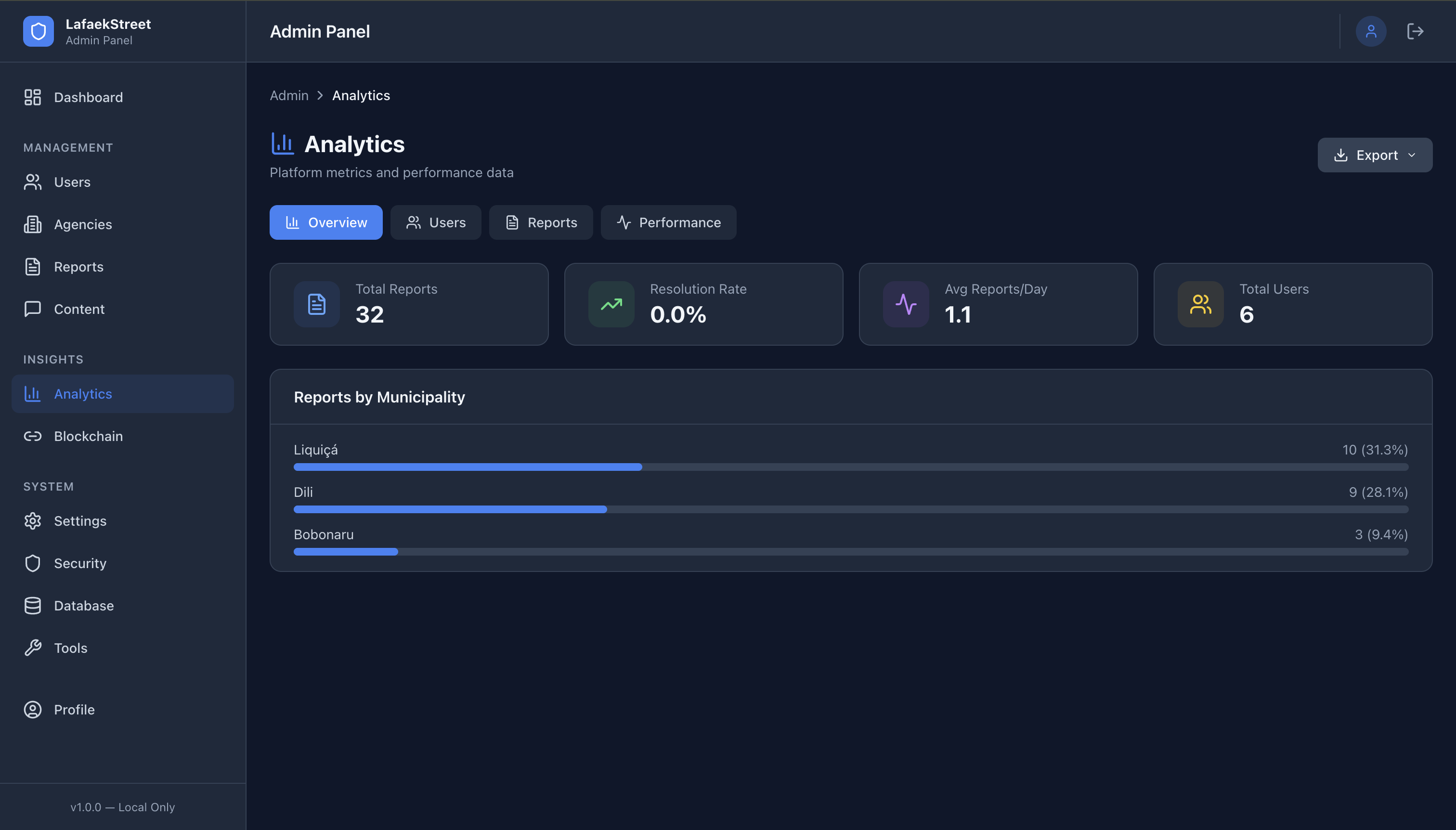
- Overview tab: KPIs, resolution rate, growth trends
- Users tab: registrations, active users, role breakdown
- Reports tab: status/type/severity distributions
- Performance tab: agency comparison table
- Export any data as CSV/Excel/PDF
Blockchain

- Transaction table with links to Hedera HashScan
- Report verification tool (compare DB vs blockchain)
- Transaction statistics
System Settings
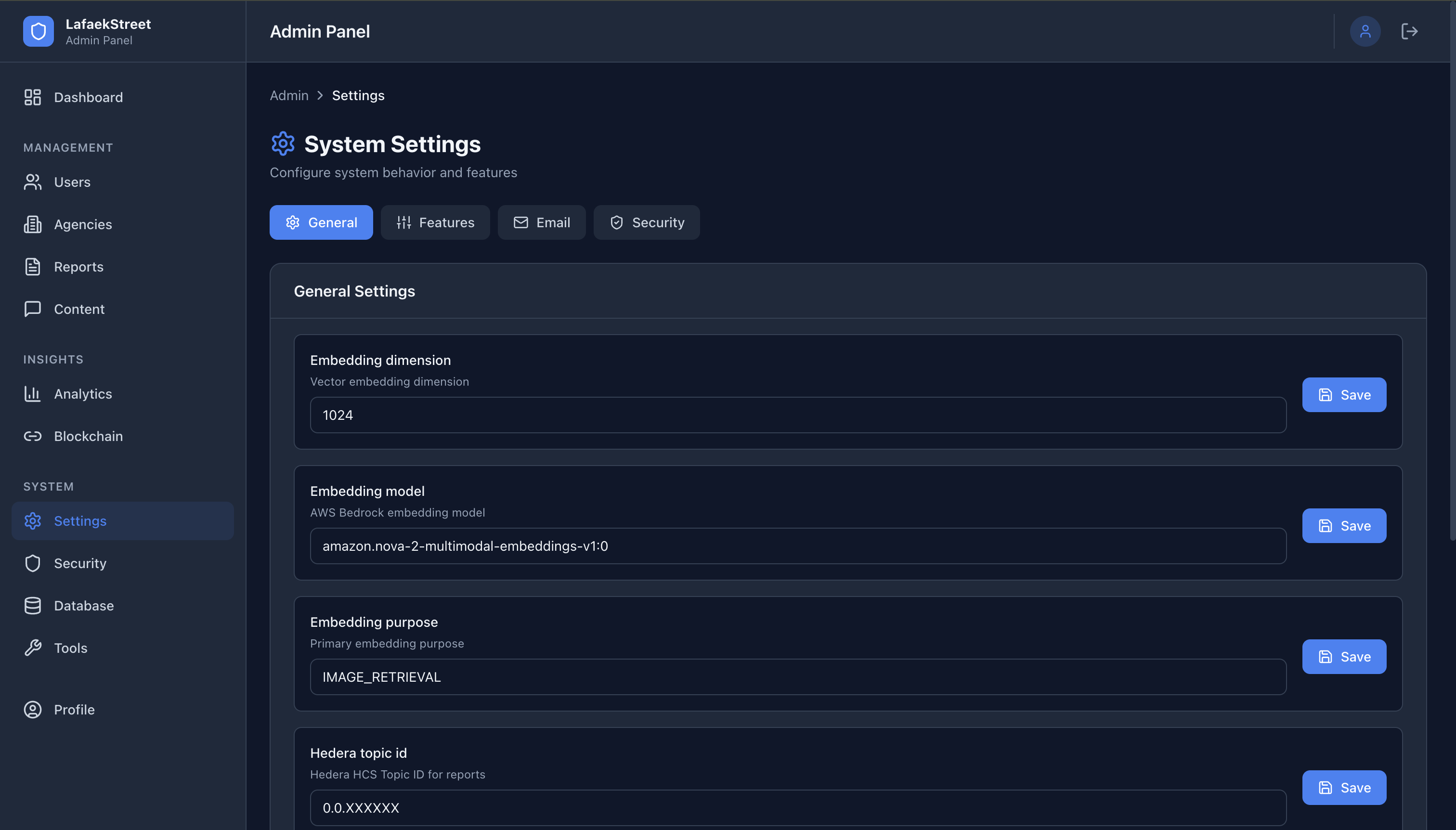
- Edit app settings (key/value from
app_settingstable) - Feature toggles (AI analysis, blockchain, OAuth)
- SMTP config display + send test email
- Security settings (2FA, session timeout)
Security
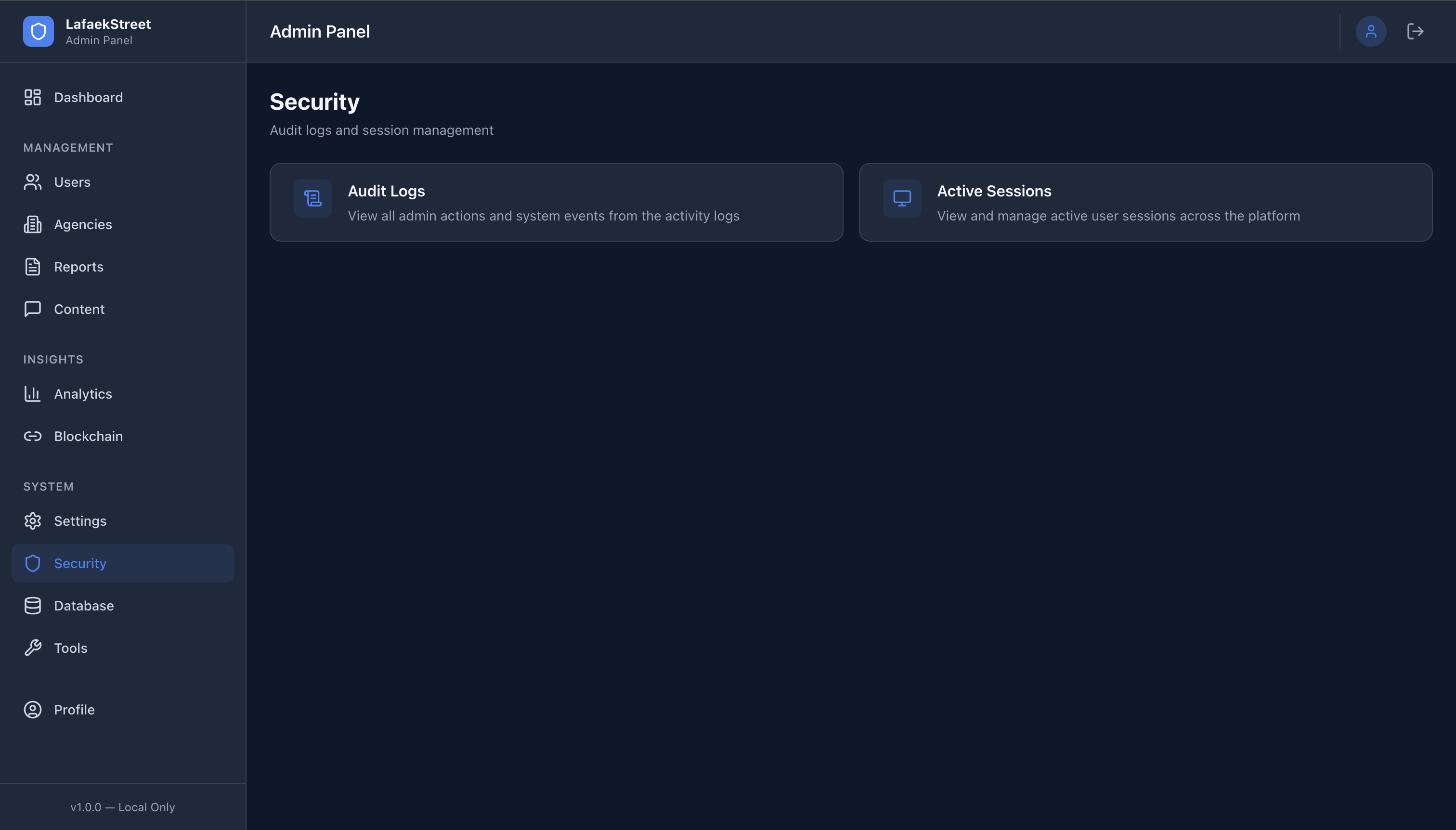
- Audit logs viewer (
activity_logstable) - Active sessions viewer with terminate capability
Database Tools
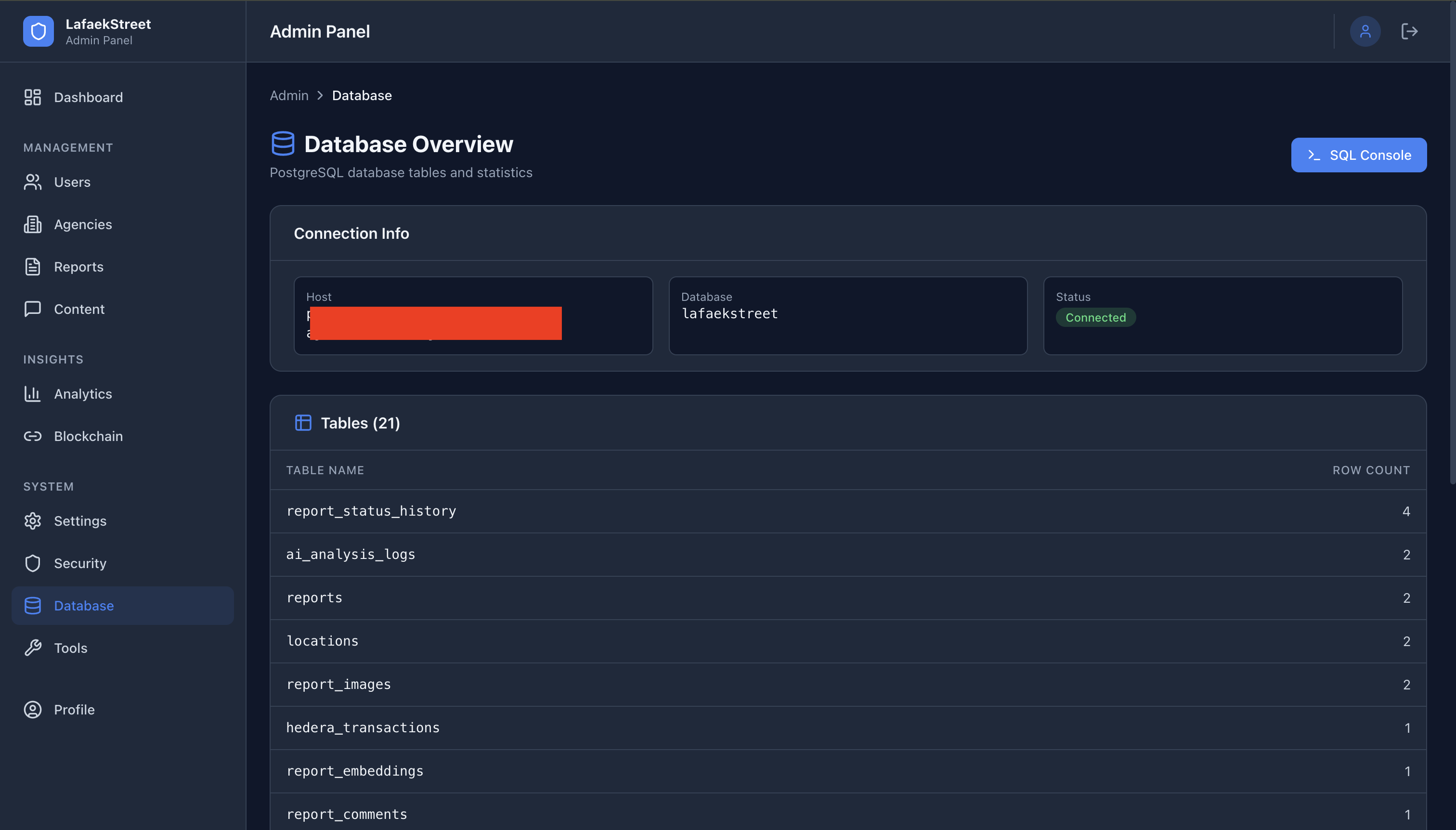
- Table sizes and row counts
- SQL Console with Ace Editor (PostgreSQL syntax highlighting)
- Read-only mode by default
- Destructive query confirmation
- 30-second query timeout
- Max 1000 rows returned
Admin Tools
- Bulk data export (Users, Reports, Agencies) as CSV/Excel/PDF
- Maintenance mode toggle
Profile
- Edit admin profile
- Change password
- Enable/disable TOTP 2FA with QR code
Project Structure
lafaekstreet_admin/
├── prisma/schema.prisma          # Shared database schema
├── src/
│   ├── app/
│   │   ├── (auth)/               # Login, Setup, 2FA pages
│   │   ├── (admin)/              # Protected pages with sidebar
│   │   │   ├── admin/            # Dashboard home
│   │   │   ├── users/            # User management (list, detail, new)
│   │   │   ├── agencies/         # Agency management
│   │   │   ├── reports/          # Report moderation
│   │   │   ├── content/          # Comment + image moderation
│   │   │   ├── analytics/        # Platform analytics
│   │   │   ├── blockchain/       # Hedera transactions + verification
│   │   │   ├── settings/         # System settings
│   │   │   ├── security/         # Audit logs + sessions
│   │   │   ├── database/         # DB stats + SQL console
│   │   │   ├── tools/            # Export + maintenance
│   │   │   └── profile/          # Admin profile
│   │   └── api/                  # 18 API route groups
│   ├── components/               # Layout, common, feature components
│   ├── lib/                      # Prisma, auth, 2fa, utils, constants
│   ├── services/                 # Client-side data services
│   └── hooks/                    # useAuth, usePermissions
Quick Start
1. Install Dependencies
bash
cd lafaekstreet_admin
npm install --legacy-peer-deps
2. Set Up Environment
bash
cp .env.example .env.local
# Edit .env.local with:
#   - DATABASE_URL (same Aiven PostgreSQL)
#   - PG_* variables (for SQL console)
#   - JWT_SECRET
#   - ADMIN_SETUP_TOKEN (for first-time setup)
3. Generate Prisma Client
bash
npx prisma generate4. Start Development Server
bash
npm run dev
# Opens at http://localhost:3002
5. First-Time Setup
- Visit
http://localhost:3002/setup - Enter the
ADMIN_SETUP_TOKENfrom your.env.local - Create your admin account (email, password, name)
- Login at
http://localhost:3002/login
Access Roles
| Feature | Super Admin | Read-Only |
|---|---|---|
| User Management | Full CRUD | View only |
| Agency Management | Full CRUD | View only |
| Report Moderation | Full CRUD | View only |
| System Settings | Full CRUD | None |
| SQL Console | Full access | None |
| Audit Logs | View all | None |
| Analytics | Full access | View only |
| Blockchain | View + Verify | View only |
Available Scripts
| Command | Description |
|---|---|
npm run dev | Start dev server on port 3002 |
npm run build | Production build |
npm run start | Start production server |
npm run lint | Run ESLint |
npm run type-check | TypeScript type checking |
npm run db:generate | Generate Prisma client |
npm run db:studio | Open Prisma Studio |
Port Allocation
| App | Port | URL |
|---|---|---|
| Public Dashboard | 3000 | https://www.lafaekstreet.com |
| Gov Portal | 3001 | https://gov.lafaekstreet.com |
| Admin Panel | 3002 | localhost only |
| Backend API | 8000 | https://api.lafaekstreet.com |
Security Notes
- This panel is designed for local use only — do not expose to the internet
- SQL Console executes raw queries — use read-only mode by default
- All admin actions are logged to the
activity_logstable - Setup page is automatically disabled after the first admin account is created
- TOTP 2FA is optional but recommended
Built for Timor-Leste